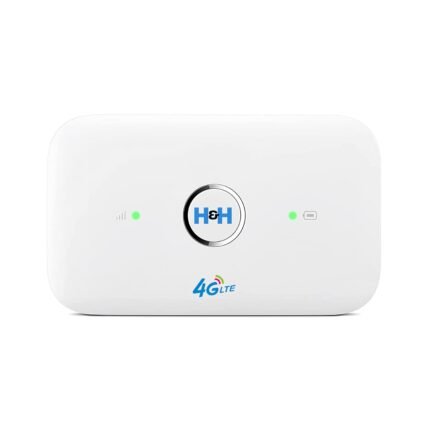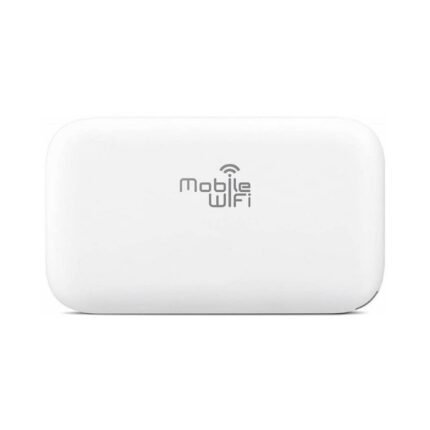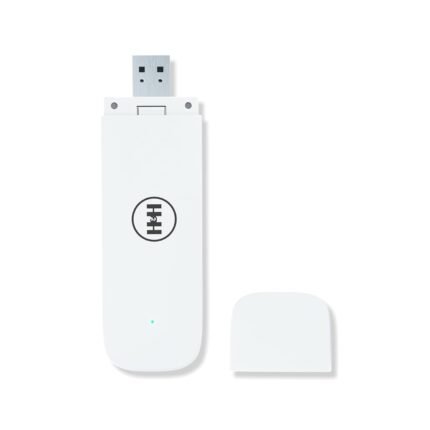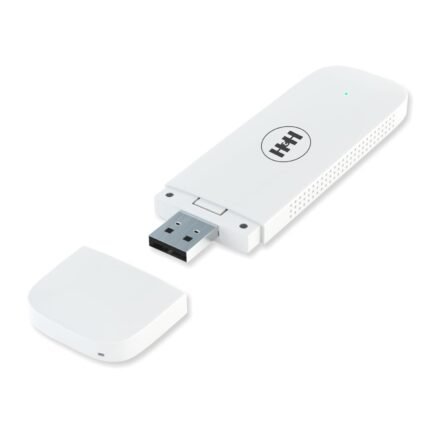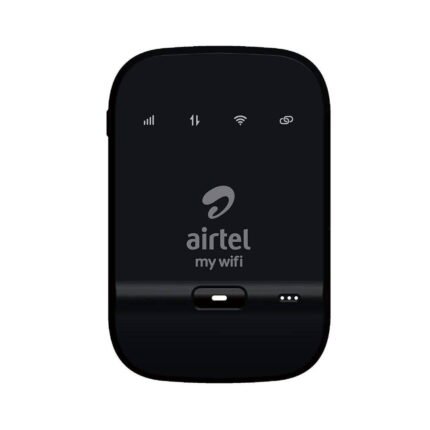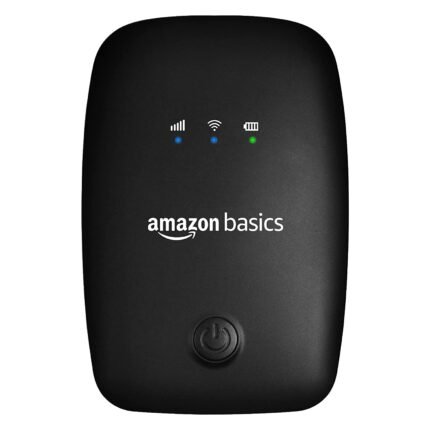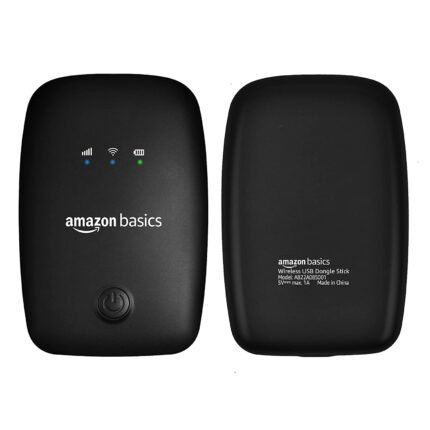

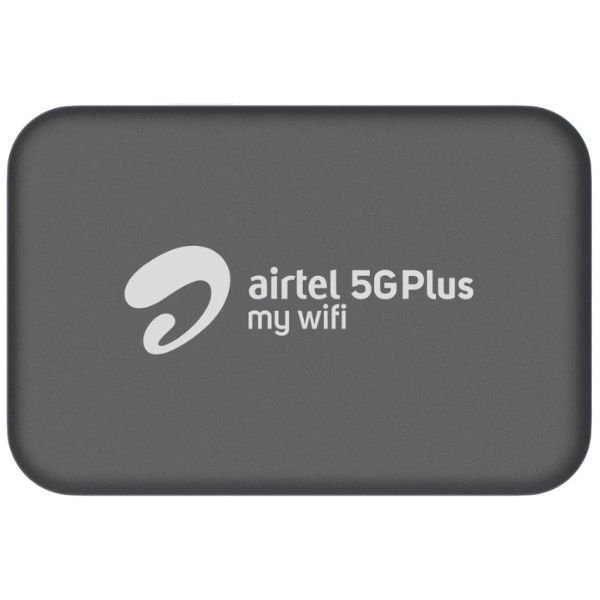
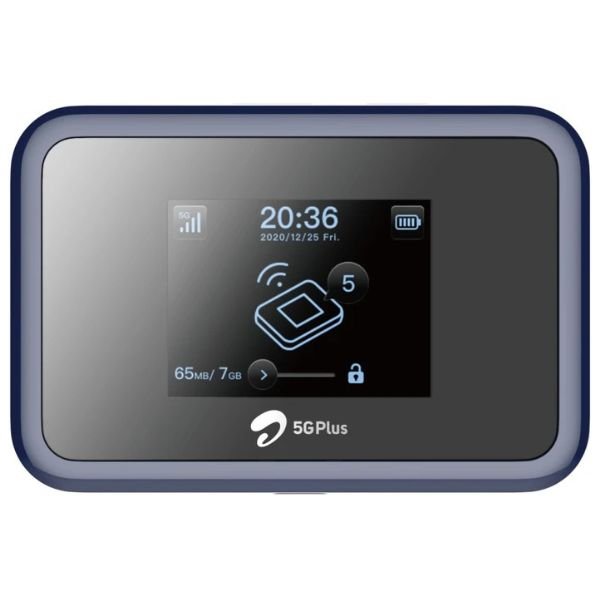
Airtel 5G Plus provides high-speed internet access through a 5G SIM card router (AirFiber), offering speeds up to 30x faster than 4G. It utilizes Wi-Fi 6 technology for reliable and fast connectivity, especially in areas with limited fiber reach. The Airtel 5G Plus My-wifi MF501 is a portable 5G router that supports speeds up to 150 Mbps and can connect up to 64 devices.
Key Features and Benefits:
- High-Speed Internet: Airtel 5G Plus offers significantly faster download and upload speeds compared to 4G, enabling faster downloads of large files and low-latency gaming and streaming.
- Enhanced Connectivity: It allows for connecting more devices simultaneously compared to 4G, including smart home devices, smartwatches, and more.
- Portable Router: The Airtel 5G Plus My-wifi MF501 is a compact and portable router, allowing for internet access on the go.
- User-Friendly Interface: The router has a user-friendly homepage for managing settings, monitoring data usage, and checking signal strength.
- Wi-Fi 6 Technology: It leverages Wi-Fi 6 for reliable and high-speed wireless connections.
- Unlimited Data Plans: Airtel offers unlimited data plans for the 5G router, allowing for unrestricted usage.
How to Get Started:
- Check for 5G Availability: Ensure your area has Airtel 5G Plus coverage.
- Purchase a 5G SIM Card Router: You can purchase the Airtel 5G Plus My-wifi MF501 or other compatible routers.
- Activate the SIM Card: Insert the Airtel 5G SIM card into the router.
- Connect Devices: Connect your devices to the router’s Wi-Fi network.
- Configure Settings (Optional): You may need to configure the router settings, such as the Wi-Fi password.
Troubleshooting:
- Check for 5G Symbol: Ensure the 5G symbol is displayed on your device’s status bar, indicating a 5G connection.
- Restart the Router: If you experience issues, try restarting the router.
- Contact Airtel Support: For further assistance, contact Airtel customer support.